Snap. Organize. Focus.
A lightweight macOS window manager that lives in your menubar. Snap any window to halves, quarters, or a centered layout — with a keystroke or a click.
Native Swift and SwiftUI, no Electron, no background service. It sits in the menubar and stays out of your way.
Two versions, one difference: Both are the same app. They part ways at exactly one point: how a window gets moved. The direct download moves windows itself, via the Accessibility API; the App Store version asks Apple's Shortcuts app, because App Store apps run in a sandbox and a sandbox has no access to that API.
Free, open source under MIT, no account required. No trackers, no analytics. Window positions never leave your Mac.
Features
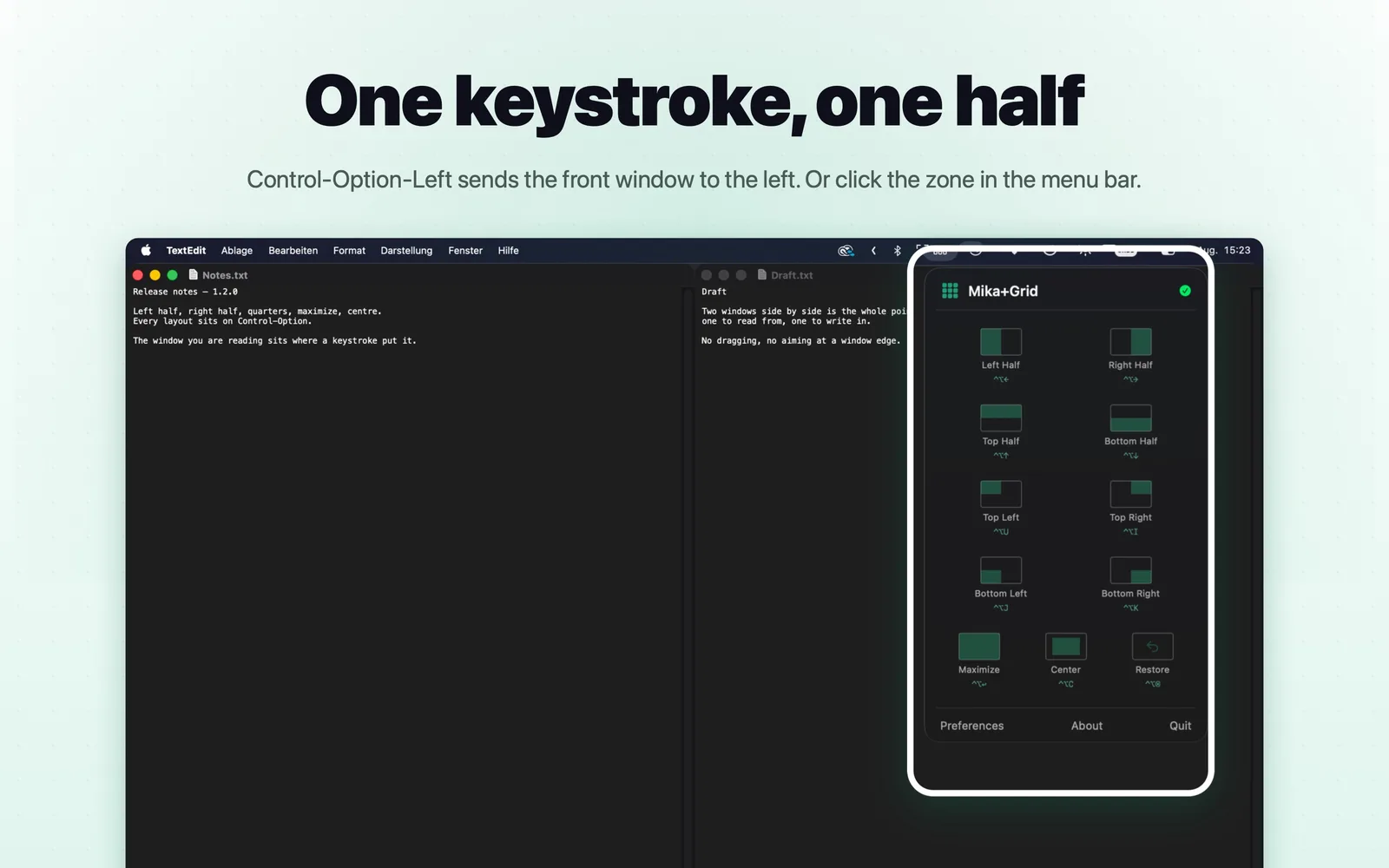
Visual snap grid: Open the menubar popover and click a zone. Each button previews the resulting layout on a miniature monitor.
11 snap actions (direct download only): Halves, all four quarters, maximize, and a centered two-thirds layout for focused work — plus restore.
Global hotkeys: Carbon-registered shortcuts that work from any app, without focus stealing. Every binding is reconfigurable.
Multi-monitor aware: Snaps to the display the window's center sits on, converting between Accessibility and screen coordinates.
Undo any snap (direct download only): The previous frame is remembered per window. One press of ⌃⌥⌫ puts it back exactly where it was.
Signed auto-updates (direct download only): Sparkle checks for new versions and verifies every download with an EdDSA signature. Turn it off any time.
System Requirements
Minimum macOS
macOS 14.0+
Supported Architectures
Apple Silicon
Intel
Screenshots
Control-Option-Left and the front window takes the left half.
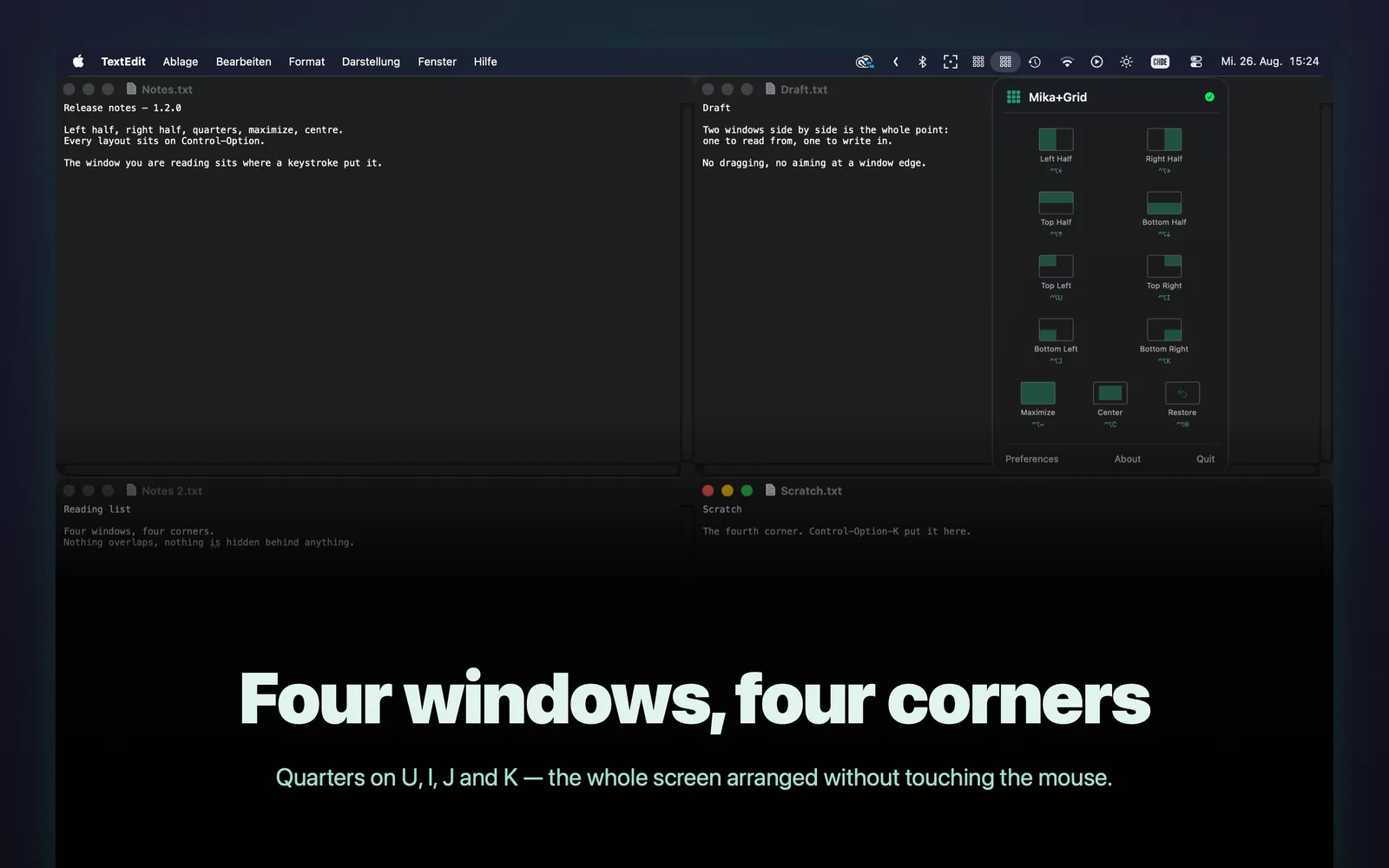
All four quarters, on U/I/J/K.
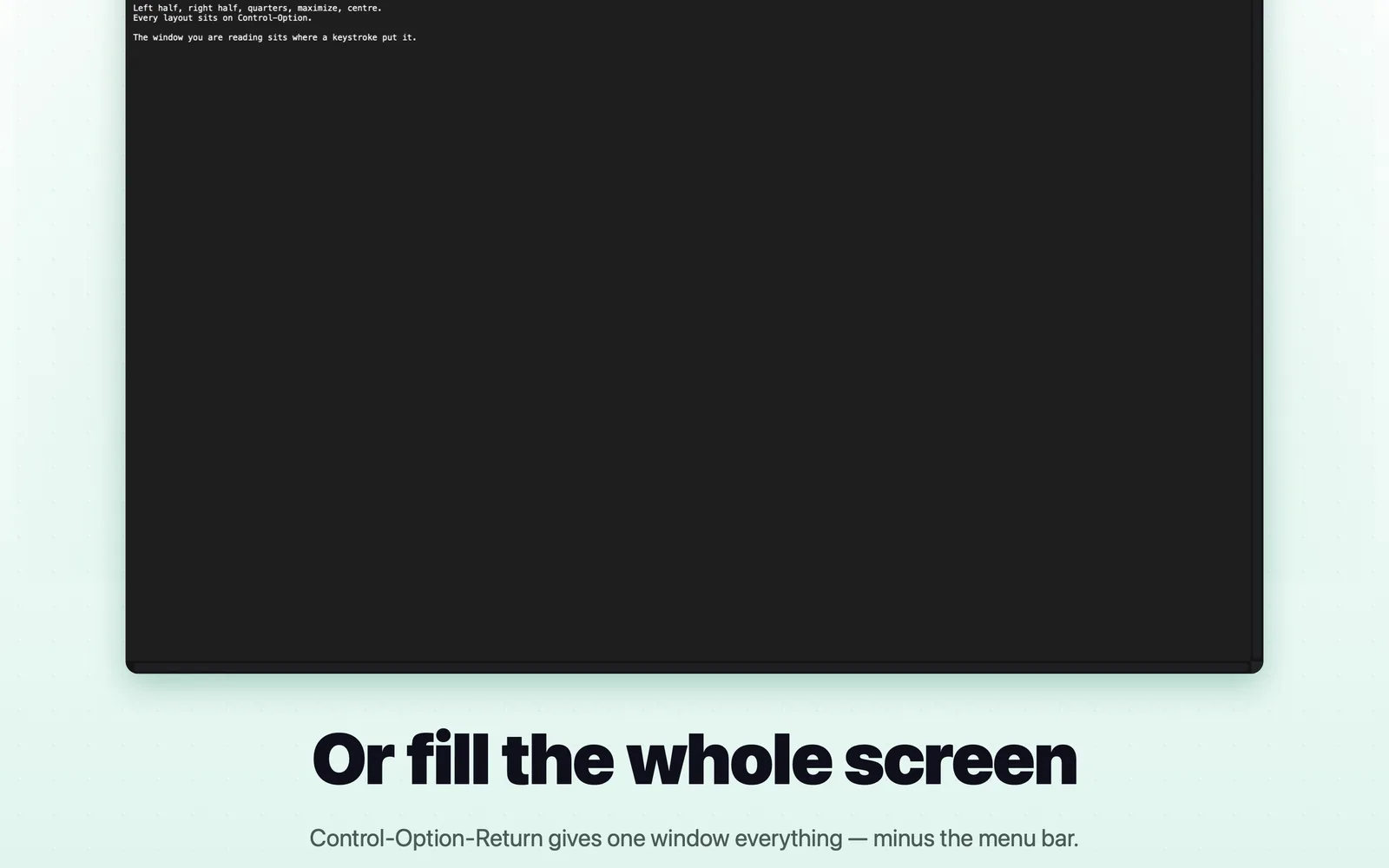
Control-Option-Return fills the display.
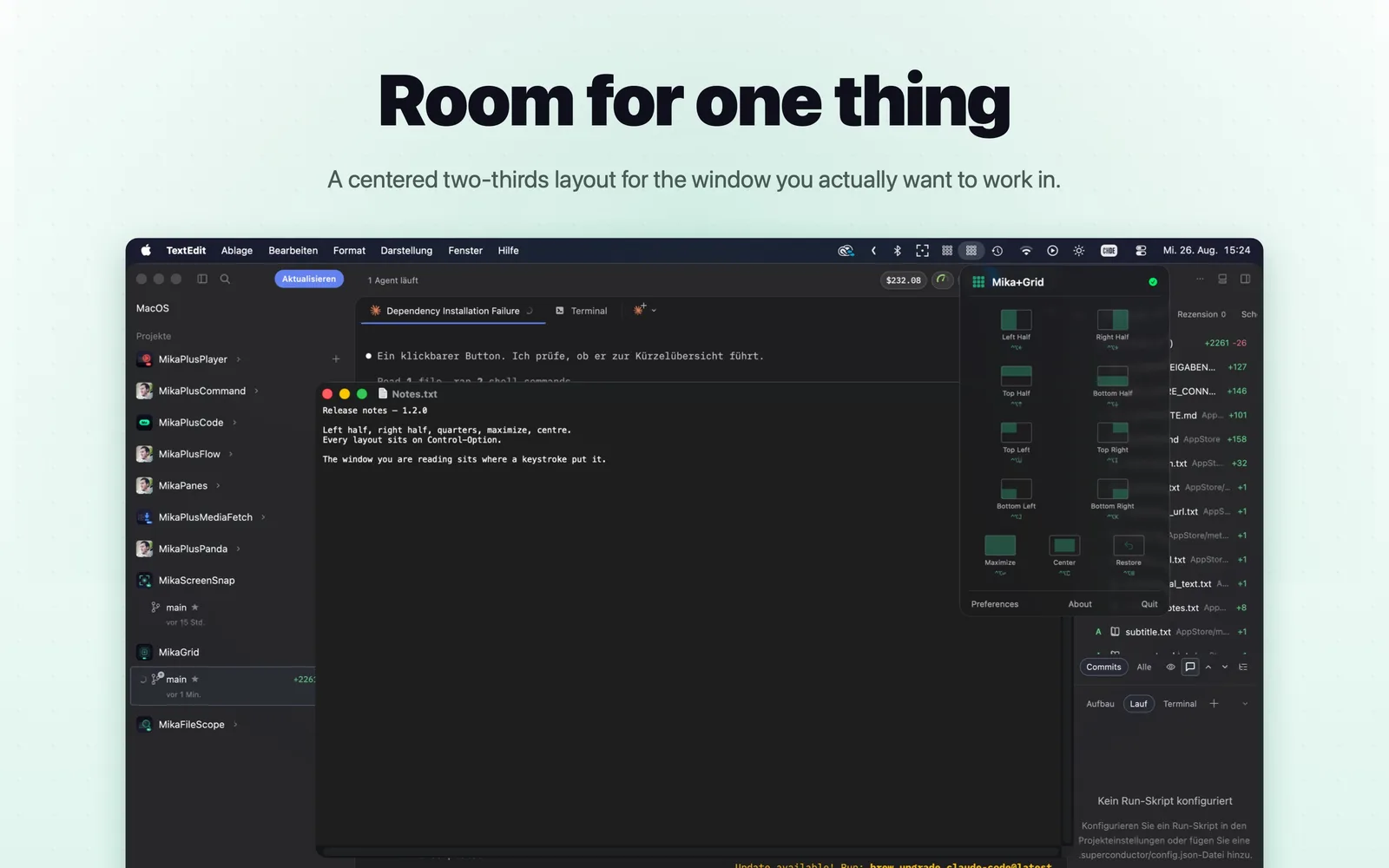
A centered two-thirds layout for focused work.
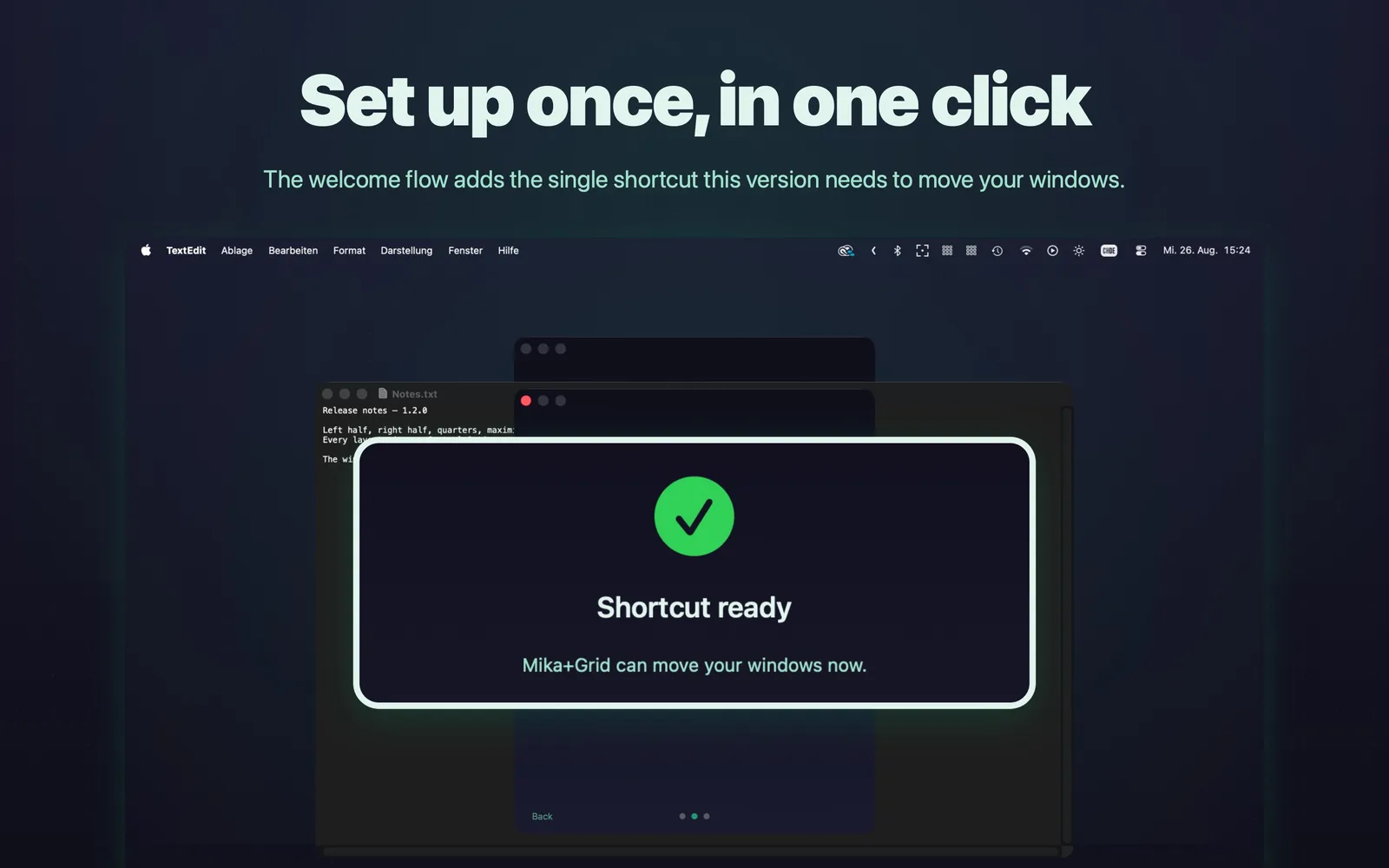
A three-screen onboarding walks you through the permission.
Changelog
v1.2.02026-09-03Latest
First release in the Mac App Store. Ten snap layouts on Control-Option, visual grid in the menu bar, all shortcuts re-recordable. That version is sandboxed and moves windows through Apple's Shortcuts app — hence no restore and no network access.
v1.1.12026-08-08
Bug fix release — snapping is now reliable on the first trigger. Snap applies position and size in a single trigger, which previously failed in Chromium apps like Chrome, VS Code and Slack. Halves and quarters tile without a seam on scaled displays and notch Macs.
Automatic updates through Sparkle, with signature verification. Manual check from the popover and preferences, and it can be switched off.
Stay in the loop
Get updates from Daumedia
New projects, apps, courses and the occasional insight — straight to your inbox. No spam, unsubscribe anytime.
Your address is only used for the newsletter. Unsubscribe any time by writing to support@daumedia.lu. What Daumedia stores is set out in the
privacy policy.